Musebox describes using a result as a starting frame and extending an existing clip. Begin from the last useful moment in your original scene. Choose one movement that can continue from that position.
Make the join easy to check
An invented adult carpenter puts a wood sample beside a lamp. Stop the first clip when the sample is flat and the hand is clear. In the next clip, ask the carpenter to slide it toward the light. Use the same camera position and keep the lamp visible. These give you fixed details to compare at the join.
Inspect both sides before building a longer cut
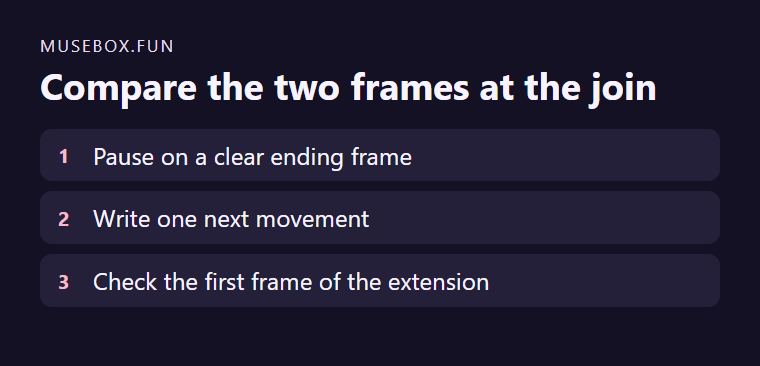
Compare the last original frame and the first new frame at normal size. Check the orientation of the object, the light and the subject’s pose. If the join distracts, trim to a steadier frame or keep the shorter clip. Save the two versions under separate names.